
Download Doxygen – Source Code Documentation Tool for Developers
Overview
Doxygen is a freeware project designed to generate comprehensive documentation directly from source code, serving as a critical utility for software development teams and individual programmers. It supports multiple programming languages, including C++, Java, C, Objective-C, and IDL, enabling developers to maintain clear, structured documentation across diverse codebases. The app is particularly valuable for projects requiring consistent technical documentation, helping teams improve code readability, onboarding efficiency, and long-term maintainability. By automating documentation generation, Doxygen reduces the manual effort traditionally associated with writing and updating technical manuals.
Target users include software engineers, technical writers, open-source contributors, and development teams managing large-scale applications. Its ability to parse comments and generate output in multiple formats—such as HTML, LaTeX, RTF, PostScript, and PDF—makes it adaptable for both internal team use and public distribution. While the developer did not provide additional background on the project’s origins or team structure, Doxygen has established itself as a trusted tool within the developer ecosystem due to its reliability and open-source nature.
Real-world use cases include generating API references for public libraries, maintaining internal technical documentation for enterprise applications, and supporting academic projects that require rigorous code documentation. The tool’s emphasis on proper comment labeling ensures that only well-structured code yields accurate documentation, reinforcing best practices in software development. In the broader app ecosystem, Doxygen plays a foundational role in enhancing code transparency and collaboration.
Key Features & Functionality
- Multi-language Support: Doxygen supports C++, Java, C, Objective-C, and IDL, with limited compatibility for additional languages such as PHP, C, and D. This broad support allows developers to use a single tool across heterogeneous codebases, reducing the need for multiple documentation utilities.
- Flexible Output Formats: The tool can generate documentation in HTML (ideal for web-based viewing), LaTeX (for academic or print-ready documents), RTF, PostScript, and PDF. This versatility ensures that output can be tailored to specific audience needs, whether for online access or formal documentation.
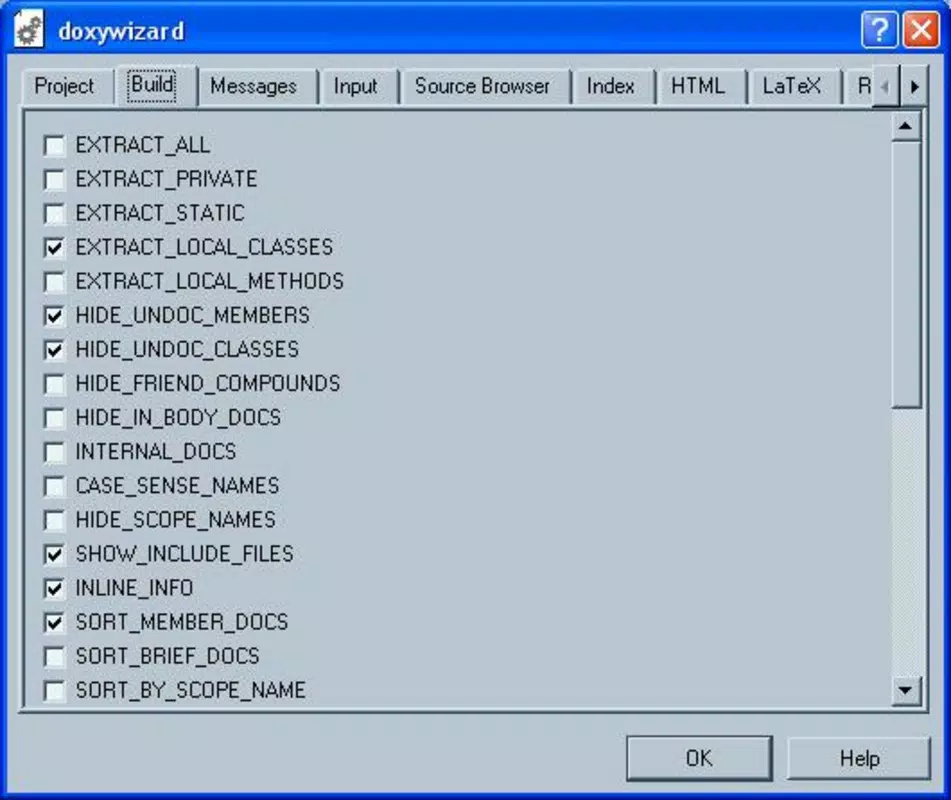
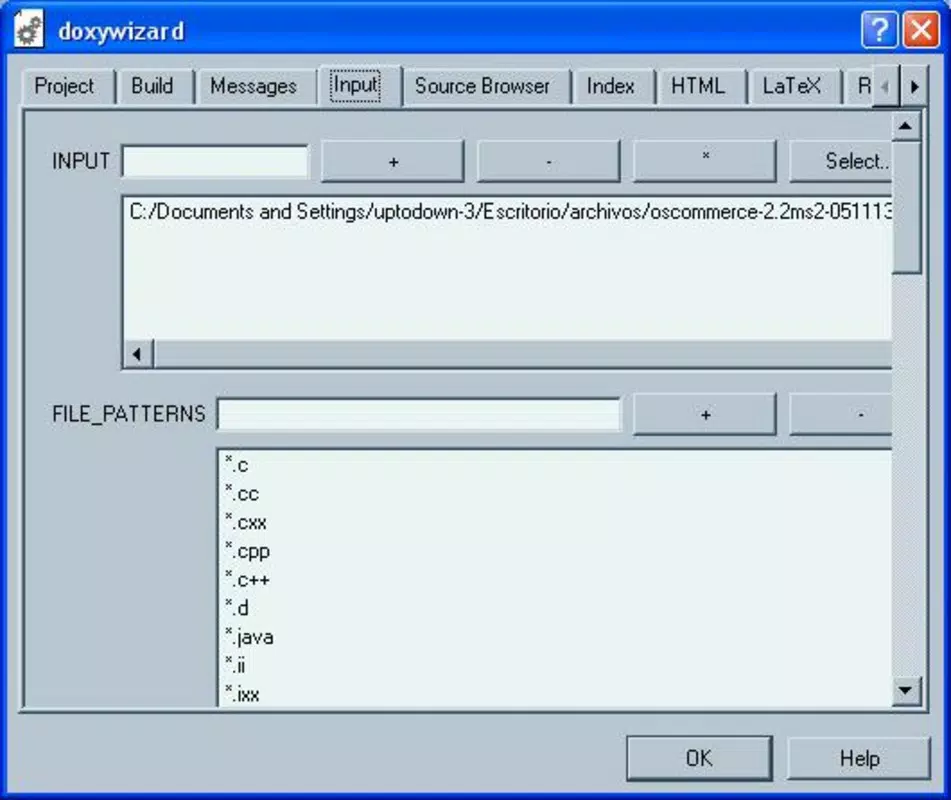
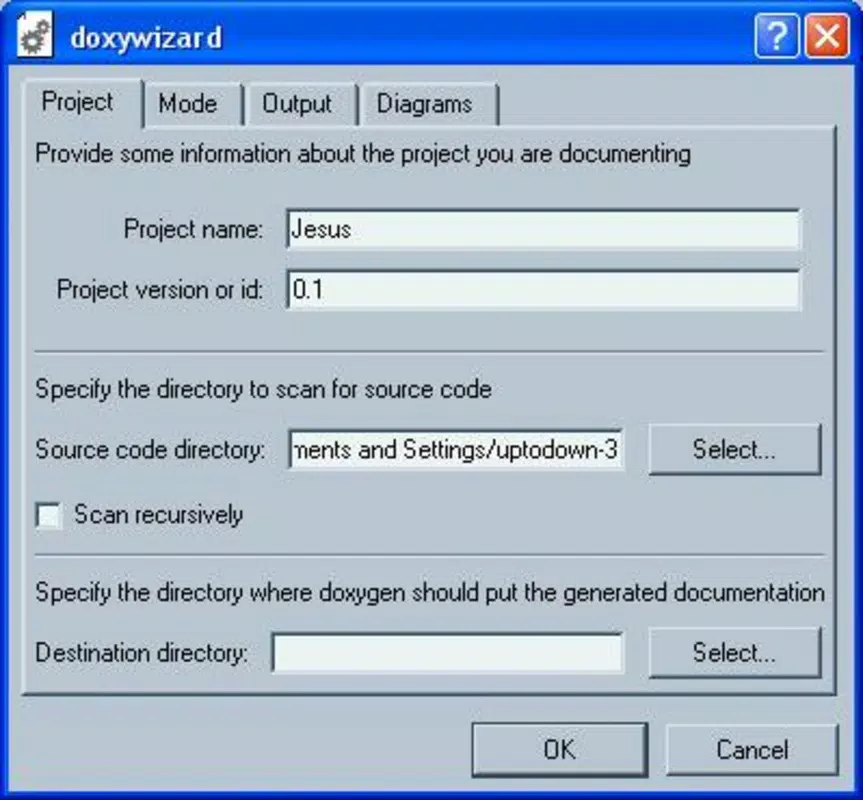
- User-friendly Assistant: Designed to guide beginners through the documentation process, the assistant helps configure settings and ensures essential comment structures are included. This feature lowers the barrier to entry for new users while still allowing advanced users to access deep customization options.
- Custom Script Integration: Doxygen’s official website hosts community-contributed scripts that extend syntax highlighting to languages like Visual Basic and Perl. This community-driven enhancement demonstrates the tool’s adaptability and encourages user participation in expanding its capabilities.
- Comment Labeling Dependency: Effective functionality relies on developers using correct comment syntax and labeling. Without proper formatting, Doxygen cannot extract meaningful information, emphasizing the importance of disciplined documentation practices during code development.
For example, a developer working on a C++ library can embed structured comments using Doxygen-specific tags, then generate a complete HTML documentation site with searchable classes, functions, and diagrams. Similarly, a team maintaining a Java-based enterprise system can produce PDF documentation for audits or training materials. The tool’s modular design allows seamless integration into existing build pipelines.
Interface, UX & Performance
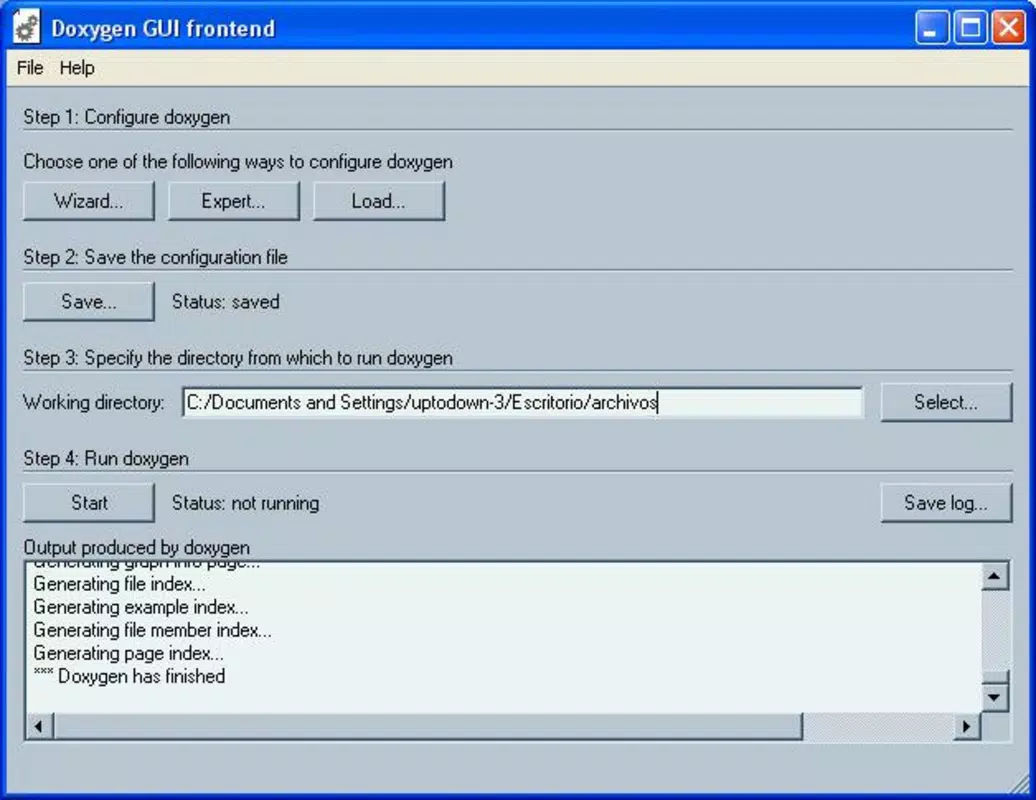
Doxygen operates primarily through a command-line interface with optional configuration via a text-based configuration file, which may present a learning curve for users unfamiliar with terminal-based tools. The graphical assistant, when available, offers a simplified interface for setting up basic documentation parameters, improving accessibility for beginners. However, the developer did not provide detailed information on visual design, navigation flow, or responsiveness across device types.
Although the developer did not list formal performance metrics, the tool is designed to handle large codebases efficiently, leveraging optimized parsing algorithms. Users can expect stable performance during documentation generation, particularly on mid-to-high-end devices. The tool’s lightweight nature and minimal resource consumption make it suitable for use on development machines without significant overhead.
Stability is maintained through consistent updates and community feedback, with the project’s open-source model allowing for rapid issue resolution. While no specific compatibility details were disclosed, the tool is known to function reliably across modern operating systems. Users should expect smooth operation when following documented setup procedures and using correctly formatted source code.
Platform Compatibility & Technical Requirements
Doxygen is available for multiple platforms, though specific details were not provided in the input. The tool is compatible with common operating systems used in software development, including Windows, macOS, and Linux. The software version is not specified, nor is the file size or minimum OS requirement. The developer did not list formal technical specifications or system requirements.
Given its nature as a documentation generator, Doxygen does not require high-end hardware or specialized permissions. It runs on standard development environments and integrates with build systems such as Make, CMake, and Gradle. Users should ensure their system has a working compiler and scripting environment to support Doxygen’s execution. Compatibility information was not fully disclosed, so users are advised to consult the official website for the latest installation instructions.
Pros and Cons
- Supports multiple programming languages, enhancing cross-project usability
- Generates documentation in various formats suitable for different audiences
- Includes a beginner-friendly assistant to simplify setup
- Community-driven extensions allow for broader language support
- Open-source and free to use, reducing development costs
- Requires strict adherence to comment formatting for effective output
- Command-line interface may be less intuitive for non-technical users
- Limited visual feedback during configuration without the assistant
- Performance depends on codebase size and comment quality
- Official documentation may be dense for absolute beginners
FAQ
Is Doxygen free to use?
Yes, Doxygen is a freeware project and is available at no cost for personal and commercial use.
Can I use Doxygen with my existing codebase?
Yes, Doxygen can be integrated into existing projects as long as source code includes properly formatted comments using Doxygen syntax.
What programming languages does Doxygen support?
Doxygen supports C++, Java, C, Objective-C, and IDL. It also offers limited support for additional languages like PHP, C, and D.
How do I install Doxygen?
Installation steps vary by operating system. Users should visit the official Doxygen website to download the appropriate package and follow the provided setup instructions.
Is Doxygen secure to use?
Yes, Doxygen is open-source and widely trusted in the developer community. As a documentation tool, it does not access external systems or collect user data.
Final Thoughts
Doxygen stands out as a powerful, reliable tool for developers seeking to automate and standardize source code documentation. Its multi-language support, flexible output formats, and community-driven enhancements make it a valuable asset in both small and large-scale development workflows. While it requires disciplined comment formatting and a basic understanding of command-line operations, the benefits far outweigh the learning curve for technical users.
Developers, technical teams, and open-source contributors will find the most value in using Doxygen to improve code clarity, support collaboration, and ensure long-term maintainability. The tool’s open-source nature and proven track record further solidify its place in modern software development practices.
Download Doxygen now


